

Capsomnia
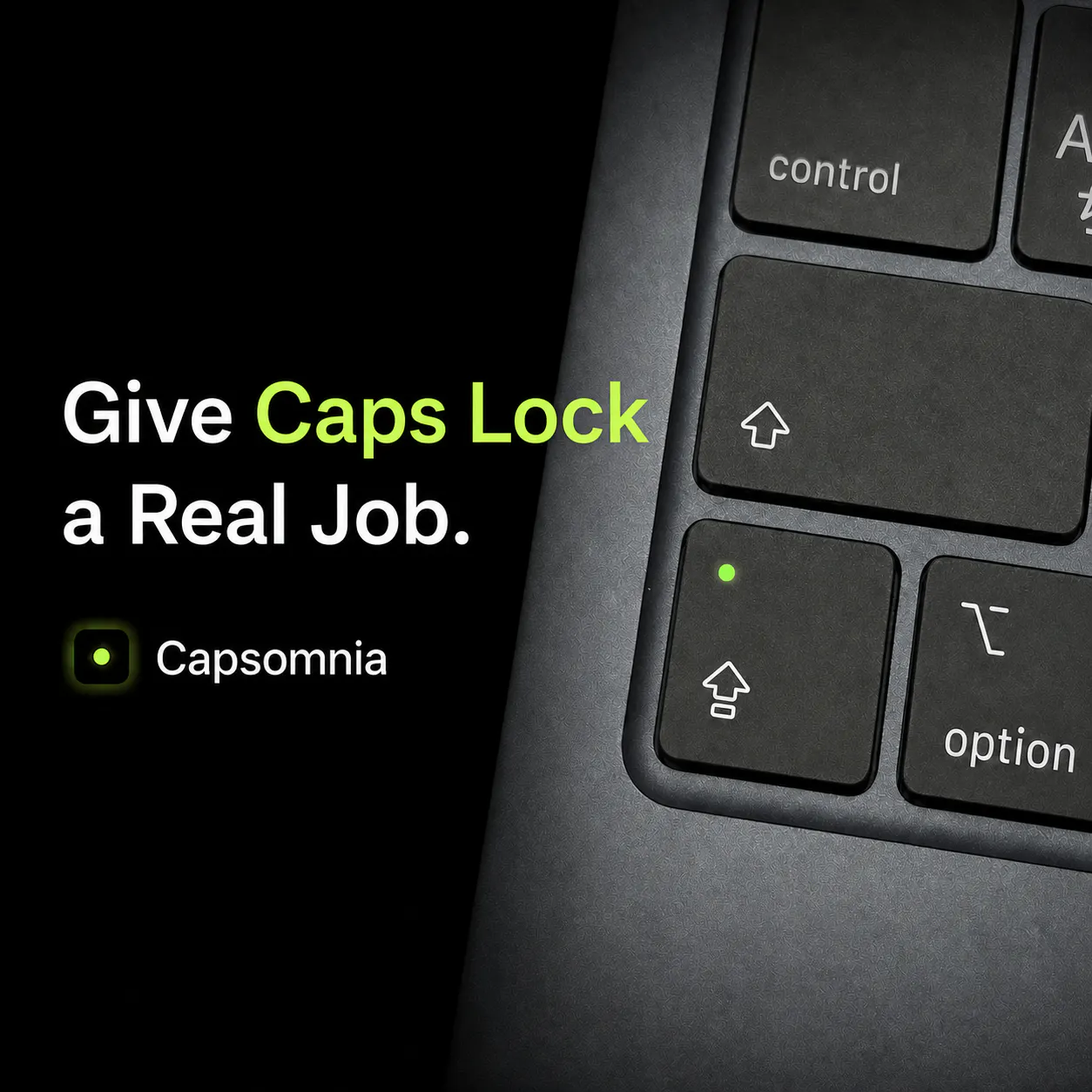
Caps Lock keeps your Mac awake, even with the lid closed
About Capsomnia
Reviews 11
-
Kay Balistreri 3 months ago
Clever idea. Any opportunity to add an audible reminder, maybe three simple beeps, shortly after the lid is closed? Could be a settings preference. Would allow for a confirmation that the system is still working (since you can no loner see the caps lock light), and would allow for turning it off if you forgot it was on and the intent was simply to put the system to sleep.
-
Halle Wilkinson 3 months ago
Congrats on shipping this! Using Caps Lock as the switch is such a nice call, no menu bar clutter and nothing new to remember. Did you land on Caps Lock straight away, or try a few other keys first?
-
Blaze Koepp 3 months ago
the thermal question already came up and the honest "left to macOS" answer is a bit concerning given the use case. specifically curious about fanless machines - on a MacBook Air with no active cooling, would you actually advise against closing the lid for a long Claude Code or build run, versus a MacBook Pro that can at least move air internally? feels like the risk profile is pretty different between the two and worth calling out explicitly until the thermal-aware roadmap item ships
-
Jaylon Deckow 3 months ago
Love it, want it, using it!
-
Joshua Abshire 3 months ago
Ha, I love little utilities like this that do one thing well. My laptop going to sleep mid download has ruined more evenings than I want to admit. Congrats on the traction in Japan by the way, 2.3 million views before even launching here is wild. Does it play nicely with clamshell mode when an external display is connected?
-
Michel Heathcote 3 months ago
Using the Caps Lock light as the status indicator is genuinely clever hardware reuse, no menu bar clutter needed. Also nice that it is signed, notarized and makes zero network requests. Any plans for the battery safety cutoff to kick in automatically when running on battery below a certain percentage?
-
Randi Prohaska 3 months ago
I need this. 😅
-
Odell Bode 4 months ago
Brilliant repurposing of the most neglected key on the Mac keyboard, and using the Caps Lock light as a live status indicator is a genuinely clever touch.
-
Esteban Hilpert 4 months ago
clever repurposing of caps lock, but I'd worry about thermal buildup with the lid closed and vents blocked for a long build or training run. have you tested how hot these get compared to running with the lid open, and is there any thermal throttling safeguard built in or is that left entirely up to macOS?
-
Curt Nienow 4 months ago
For me it would be Claude Code running a longer refactor or migration task overnight on Tellacity, since those are the runs that take twenty or thirty minutes and I don't want to babysit the laptop lid open the whole time just to keep it from sleeping. The thing I'd want clarified before trusting it though is what happens if the battery gets critically low while keep awake mode is on with the lid closed. Since sleep is disabled and there's no accounts or network calls to phone home with a warning, is there a hard cutoff where Capsomnia forces sleep anyway to protect the battery, or does it stay fully committed to keeping the Mac awake even as it runs the battery down to nothing with the lid shut and no visible warning.
-
Joshua Abshire 4 months ago
The indicator light as a status signal is a clever use of hardware that already exists — way cleaner than a menu bar icon you might miss. Quick workflow question: when keep-awake mode is on and the lid is closed, does the app have any throttle or safety cutoff if the battery drops below a certain percentage, or is it fully manual? Just want to know if I should babysit it or if it handles the I forgot it was running case.