

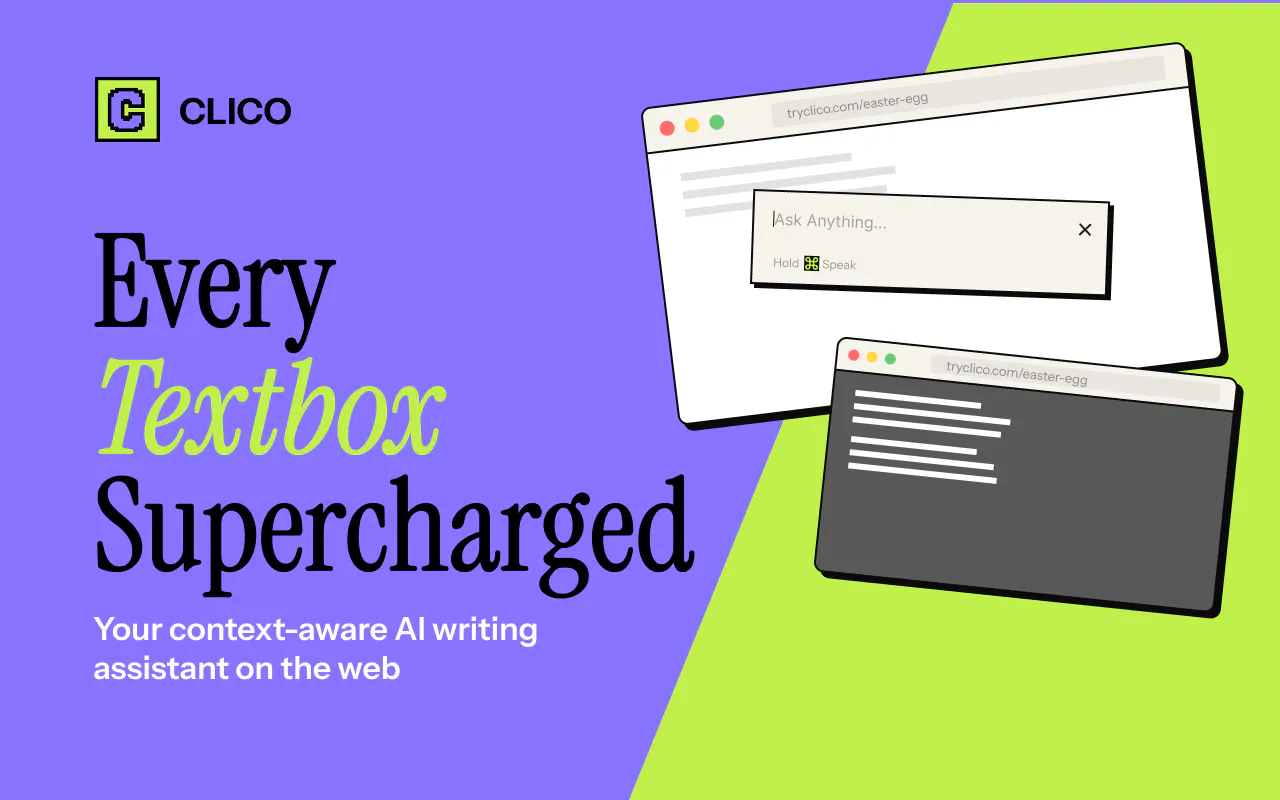
About Clico
Reviews 15
-
Jedidiah Farrell 7 months ago
Most AI writing tools make you leave what you're doing, paste the content in, get the output, and then paste it back. This living inside the browser and reading the current page context is the bit that changes the actual workflow. The @ feature to pull in a separate tab as context is the thing that would make this useful for design work specifically, being able to reference a live spec doc and a competitor's UI side by side without switching windows is exactly where the time goes.
-
Zachariah Hudson 7 months ago
Not collecting any data?
-
Rahul Goyette 7 months ago
Supercharging every textbox across the browser is a concept that works well in theory but lives or dies in the UX detail. If the the popup is even slightly slow or it fires when you don't want it to, it becomes the first extension you disable. What's the trigger mechanic - is it always on or opt-in per field?
-
Marcus Macejkovic 7 months ago
the "lives directly inside your browser" part is what separates this from every other AI writing tool i've tried. copy-pasting back and forth kills the flow completely, and most tools make you context-switch just to fix a sentence the fact that it works in any textbox without setup is underrated. that's the kind of thing that actually makes a tool stick :)
-
Enrico Wiza 7 months ago
I’ve been thinking for a long time about building something similar, but with a voice mode. So you open a page and just say what you want to do on it, including where to insert the information you got from the page (here a browser extension wouldn’t be enough, but still). There are many use cases: make a summary, extract contacts, find mentions of all geographical objects, etc. We all do something specific on pages. This could really speed people up a lot!
-
Rylan Cremin 7 months ago
Cool product. How is it free?
-
Fidel Davis 7 months ago
Cool feature, @alex_ta) How do you actually handle privacy and sensitive data when Clico reads the context of browser tabs? Is everything processed locally or sent to your servers?
-
Orrin Batz 7 months ago
Love this concept — context-aware AI inside the browser is definitely the future. Copy-paste workflows feel outdated now. If Clico executes this well, it could replace a lot of standalone AI tools. 🚀
-
Ulises Ankunding 7 months ago
Great idea — love how it removes the copy-paste friction that most AI tools still have. Having context directly from the webpage feels like a big unlock for real productivity. Curious to see how it performs across different workflows!
-
Michel Heathcote 7 months ago
Congrats on the launch, the idea is actually really cool. But ngl this is kinda scary 😅 If it works on any text input, then what about passwords, credit cards and private stuff? That’s a LOT of access for a browser tool. I wanted to try it but it feels risky to install
-
Orrin Batz 7 months ago
@alex_tao it's good as how Clico turns every text box into an AI‑assisted field without making me copy‑paste into a separate chat. It feels like the kind of "nvisible helper" but just curious about as how Clico is away from getting noisy or distracting especially when people are typing fast or in sensitive contexts like live chats or code fields while still making it feel always‑one‑shortcut‑away ?
-
Carter Volkman 7 months ago
that's really all the Browser Company needed to do with Arc and they built an entirely new browser lol these guy did what should've been done w an extension
-
Jackson Fisher 7 months ago
Cool, I like this super chrome extension.
-
Halle Wilkinson 7 months ago
congrats for the launch! excited!
-
Jedidiah Farrell 7 months ago
Can I use it to write a natural email fast from Gmail?