

Post Formatter
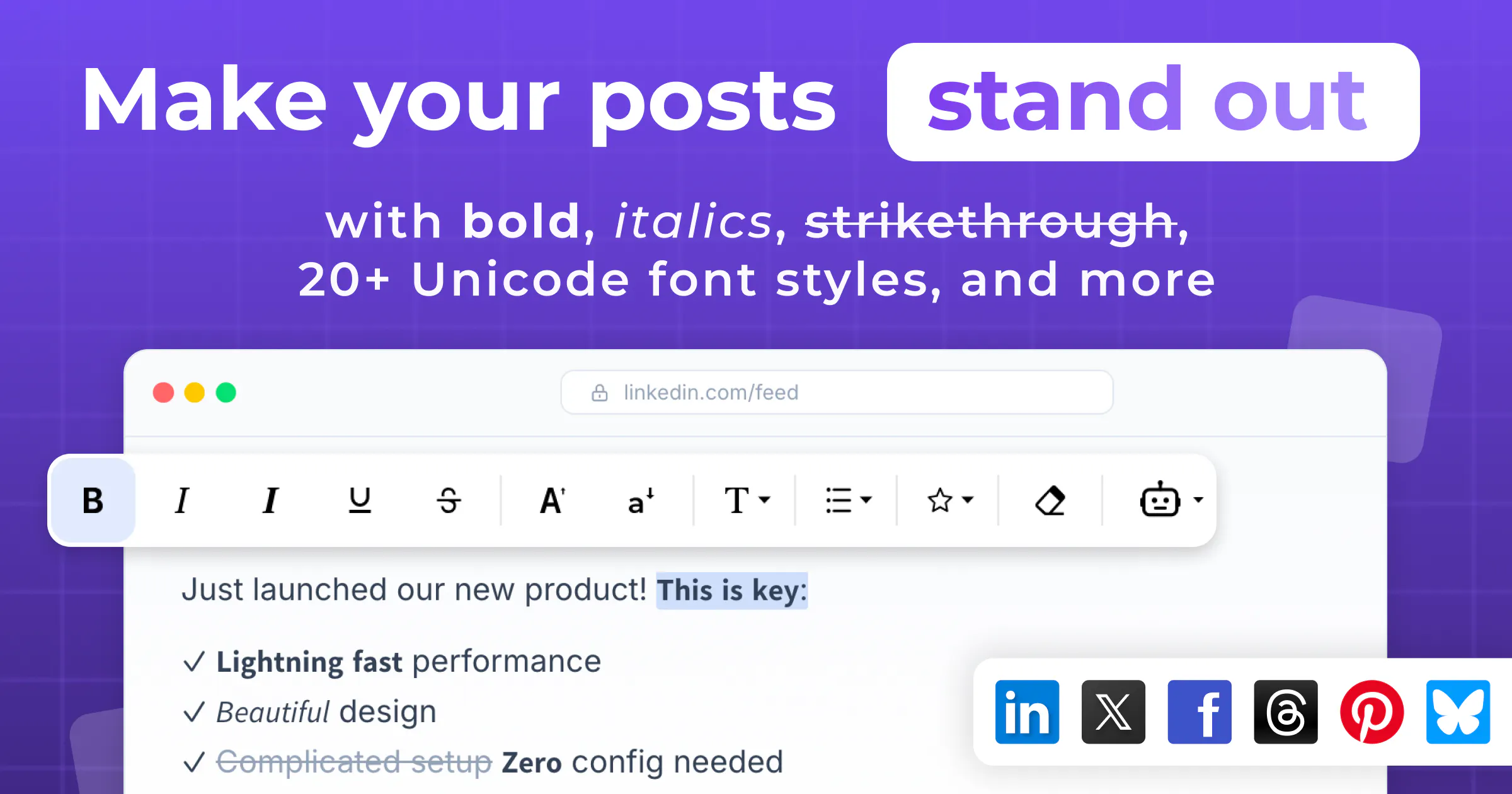
Format LinkedIn posts with bold, italics & more
About Post Formatter
Reviews 8
-
Randi Prohaska 4 months ago
One thing worth flagging about the Unicode approach: those bold/italic "styles" are actually separate Unicode codepoints that just visually resemble bold and italic letters, they're not semantic formatting. Screen readers often don't recognize them as normal text and either skip them, spell them out letter by letter, or garble the pronunciation. For a tool aimed at LinkedIn specifically, that's a real accessibility gap for anyone in your audience using a screen reader. Is that something you've tested against, or a known tradeoff for now?
-
Halle Wilkinson 4 months ago
I like the tool - have spend a lot of resources on LI design and not the most efficient. Is there an agentic/ autopilot version planned ?
-
Jarrell Homenick 4 months ago
Very clean desing, love it.
-
Adam Zemlak 4 months ago
Ah now this is interesting. I genuinely didn't even know it was possible to add formatting to LinkedIn posts. Have just tried it for myself and it worked perfectly. Have you had any feedback about whether LinkedIn would have an issue with people adding formatting? I presume they have deliberately chosen to keep text plain? That being said, I certainly plan to use it myself! Congratulations on your launch.
-
Nikunj 4 months ago
@ashimanski Congratulations. And happy product launch.
-
Johnpaul Crona 4 months ago
A keyboard shortcut to toggle the floating toolbar on and off would be huge, especially since I switch between writing and editing modes a lot. Maybe even letting users customize the shortcut themselves would make it feel much more native to their workflow.
-
Tyrique Lind 4 months ago
Looks great! Congrats
-
Rupert Emmerich 4 months ago
The floating toolbar that lives inside the LinkedIn composer is honestly really well done, feels like it was designed to not get in the way. Also love that you can bring your own OpenRouter key instead of being locked into some weird credit system.