

About Crossfade
Reviews 4
-
Gilbert Lind 1 week ago
Connecting coding agents directly to editable Figma layers is a useful approach. Can Crossfade detect when an agent's changes break existing design constraints or component variants and automatically suggest corrections?
-
Franz Bauch 1 week ago
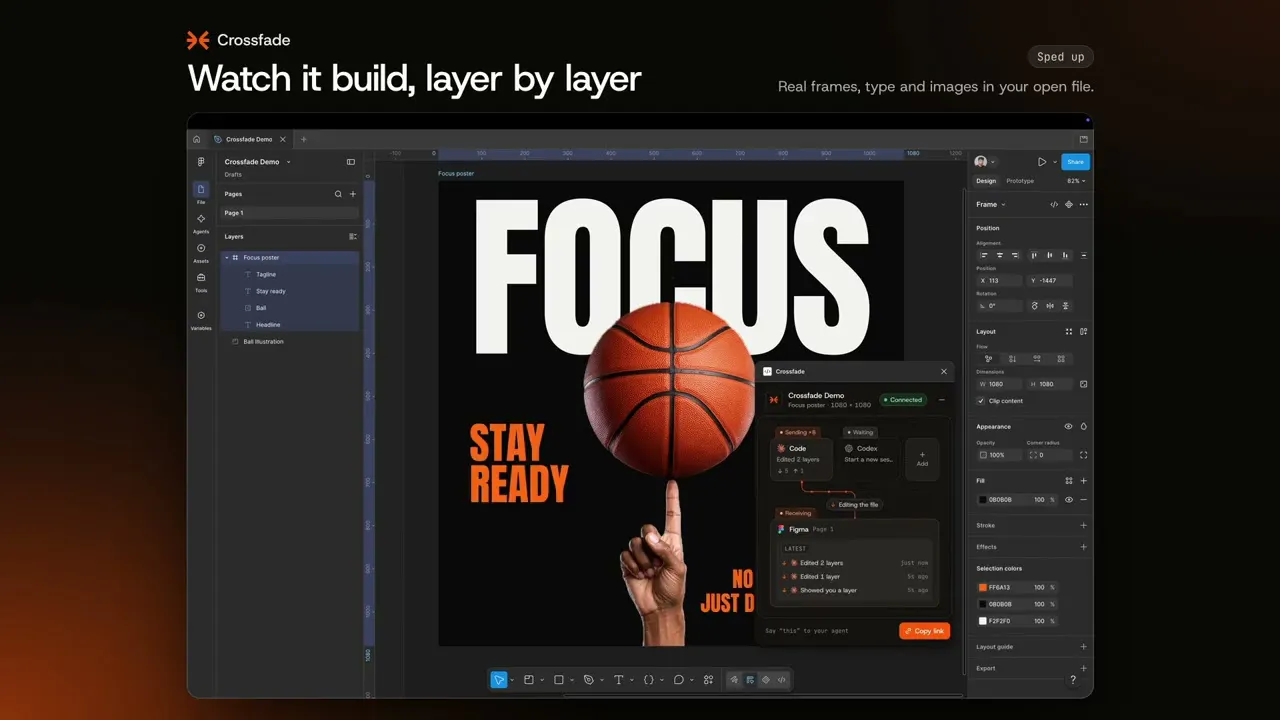
The single undo per run is what sold me — I've had agents mangle a Figma file mid-task and untangling it by hand is the worst part. First thing I'd ask it to build is a settings screen from one of my existing screens, reusing the components and variables already in the file, to see how faithfully it sticks to the system instead of inventing new styles. Running over localhost on my Mac, with real editable layers instead of a screenshot, is the part that makes me actually want to try it on a live file.
-
Adam West 1 week ago
congrats on the launch sabarish. hitting the mcp limit on a view seat is a real pain, nice that you just built around it. to your question, first thing i would ask is to make the mobile version of an existing screen. does it reuse the file own components and variables, or draw new frames from zero?
-
Chaim Schuppe 1 week ago
Having one undo for the entire run is a great touch. It would make me much more comfortable trying out a layout idea, knowing I can roll it back in a single step