

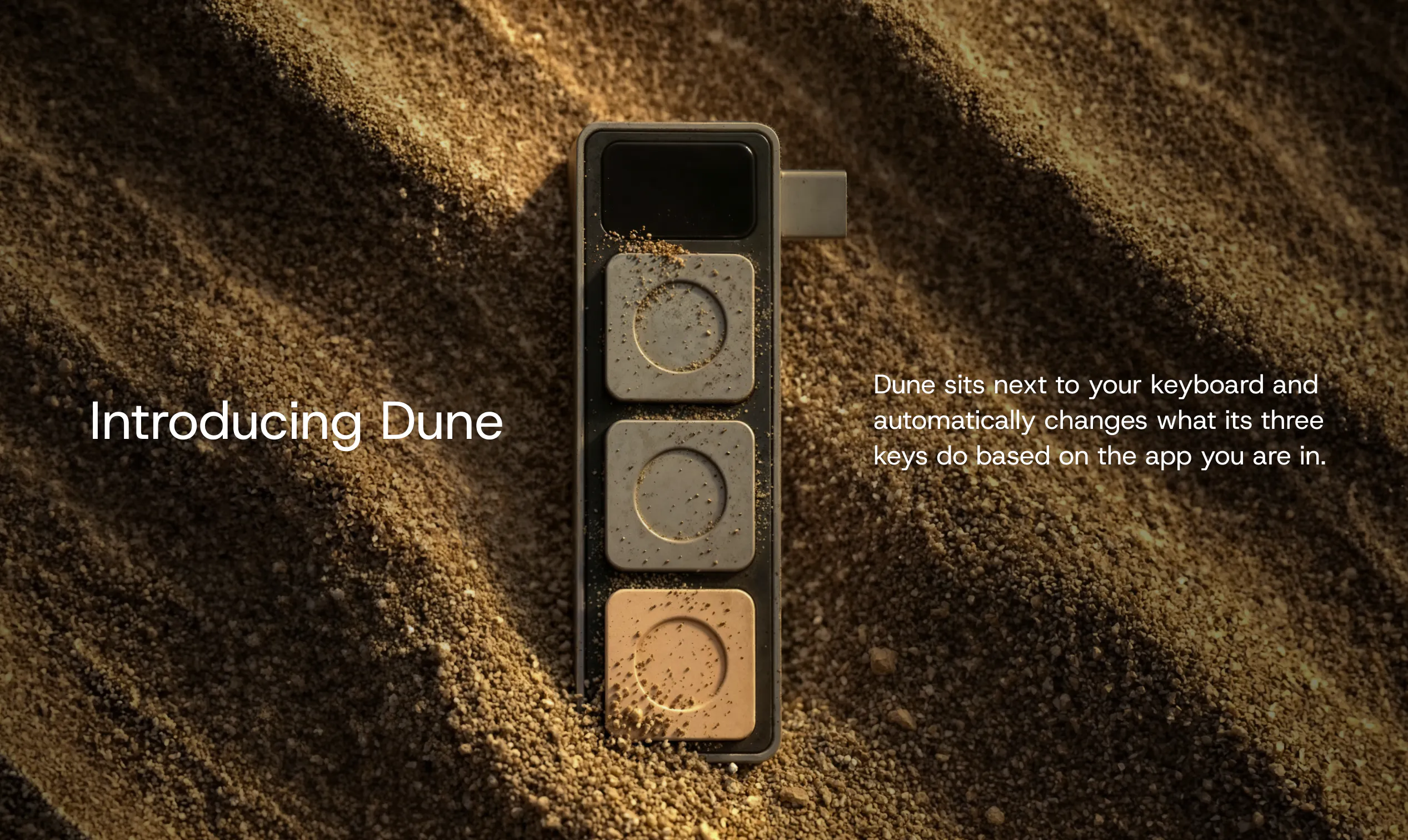
About Dune
Reviews 15
-
Malachi Armstrong 5 months ago
If this was bluetooth (eg. i can move it around my desk) I'd buy it, even if the next planned iteration is bluetooth (battery last a few days) I'd put my money down. It looks amazing, I use something pretty basic right now just a simple key command and single button, I love the ideas here.
-
Lamont Strosin 6 months ago
The device looks amazing I want a reason to buy it! I work in clamshell with my computer off to the side so I might not be able to. Also would you need a custom height for each computer? Doesn't look like it would fit a Macbook Air
-
Jackson Fisher 6 months ago
a physical keypad that knows context. thats a genuinely different take. goodbye keyboard shortcuts i never remember anyway
-
Franz Bauch 7 months ago
Love seeing hardware on PH - hard to know if I am the right demo (rarely use commands / shortcuts) but I love seeing innovation - not only on the software side of things!
-
Ruben McClure 7 months ago
This is actually awesome. And I'm currently building something that could really use this! Can user add easily combinations with their computer keyboard and the dune keys to create whatever combos they want?
-
Marcelo Prohaska 7 months ago
Great work on this and congrats on the launch! 🎉👍
-
Scotty Feest 7 months ago
This is a really elegant idea. The context-awareness piece is what makes it - a physical button that does something different depending on whether you're in VS Code or Zoom removes a layer of cognitive overhead that most people don't even realize they're dealing with. I'm curious about the meeting use case specifically. We do a lot of investor calls and partnership meetings. Can you set up custom actions per meeting type? Like "start recording + open notes template + mute" with one press for a board call, vs a different combo for a team standup? That one-press-does-three-things approach could save a lot of fumbling at the start of every call.
-
Joaquin Wisozk 7 months ago
WoW,Amazzzzzzing product
-
Esteban Hilpert 7 months ago
the context-aware switching is clever been doing this manually with BetterTouchTool for years and its always a bit janky. curious how fast the key remapping actually is when switching between apps, like if you alt-tab quickly does it keep up? one thing id love to see is custom profiles per project, not just per app.
-
Mortimer Powlowski 7 months ago
Been looking for something exactly like this. I have a Stream Deck but honestly it feels clunky for dev workflows because it can't see what app I'm in. The context-aware angle is what sells me — if it can detect I'm in VS Code vs a Zoom call and switch macros automatically, that's a huge time saver. How granular does the context detection get? Like can it distinguish between different repos or just app-level?
-
Haleigh Bartoletti 7 months ago
Does it support windows also or only Mac?
-
Jedidiah Farrell 7 months ago
oh this is neat — does the context detection just watch the foreground app or are you hooking into something deeper per app? curious how the mappings get defined for stuff like Claude or Cursor
-
Makenna Eichmann 7 months ago
What happens when you're in a split-screen setup — say VS Code on the left and Zoom on the right? Does Dune track whichever window has focus, or does it go by the last full-screen app? That edge case probably covers half of how people actually work.
-
Haleigh Bartoletti 7 months ago
Huge congrats on the #1 spot! Been watching this one closely since Priya reached out., the context-aware shortcuts for dev tools + Claude integration is exactly the kind of friction I want killed in my day. Unit just landed on my end, stoked to put it through its paces and share real thoughts soon. Rooting for y'all.
-
Joshua Abshire 7 months ago
The meeting use case is a sneaky one. Most productivity hardware is built for coders, but back-to-back Zoom days are where context switching actually hurts. Three keys that know if you're in a call vs a code editor is genuinely clever. Did early users skew dev or meeting-heavy side first?