

Krisp Accent Converter for YouTube
YouTube, but you clearly understand everyone
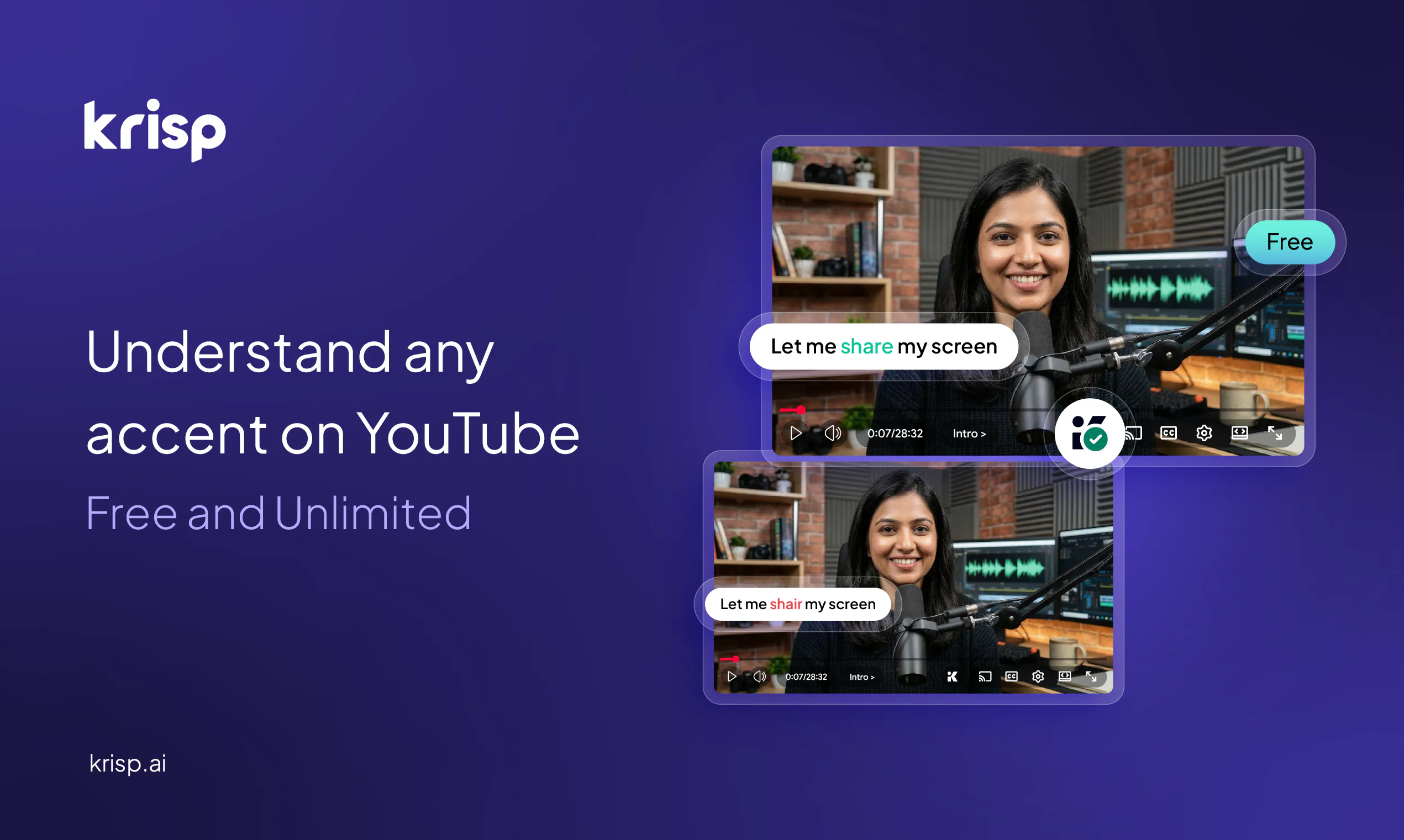
About Krisp Accent Converter for YouTube
Reviews 15
Thanks! Your review is posted.
Sign in to rate and review Krisp Accent Converter for YouTube.
-
just now
-
Zachariah Hudson 7 months ago
Pretty interesting idea. Captions don't always help that much when the speaker is fast with accent and content is dense. This would help a lot. Can't wait to having a try and see how it handles technical stuff.
-
Maxwell Blanda 7 months ago
Can I, as a creator, use this as a post-processing tool for my YouTube videos, or on my channel can I enable this tool? Is this tool for viewers or creators?
-
Burley Collins 7 months ago
Does it handles Hong Kong Style Chinglish well? How to get a small trial?
-
Mckenzie Mosciski 7 months ago
This is a huge deal for educational content. I teach an Excel for Financial Modelling course on Udemy (https://www.udemy.com/course/excel-for-financial-modelling/) and a big chunk of my students are non-native English speakers working in finance globally. Accent barriers in video-based learning are real, and on-device AI that solves this without requiring the creator to re-record is brilliant. Curious if you're seeing higher retention rates on videos where accent conversion is active?
-
Marcelo Prohaska 7 months ago
This is what I can genuinely useful, practical leverage of AI, very nice. I have one question and one suggestion. Question: does it work well also when people are talking on another or only for solo speakers? Suggestion: Make also a funny/gimicky version where everyone can switch their voices to anything they like - I always wanted to sound like British royalty :)
-
Marcus Macejkovic 7 months ago
YouTube has had speed control since forever but accent was always the missing piece. I've rewound the same sentence four times trying to catch a word. One toggle sounds right - this doesn't need to be complicated.
-
Hazel Altenwerth 7 months ago
You know, 40 seconds of video and everything is clear. The main feature is clear!)
-
Al Wolf 7 months ago
This is one of those apps you only appreciate once you’ve tried it in a noisy environment. Curious how it performs with more complex background noise like cafés or street traffic.
-
Elias Rowe 7 months ago
Looks Neat! Can we take it beyond meeting rooms ? Can we use this for voice over for my content, with natural emotion ?
-
Orrin Batz 7 months ago
love the idea. very useful for native language speakers. what's the accuracy of these models, the cost of a wrong accent can be significant in some use cases like critical meetings.
-
Nikunj 7 months ago
Most tools focus on captions, but real-time accent normalization in audio addresses a different problem! Curious how it handles heavily accented technical content like coding tutorials or medical lectures where vocabulary matters as much as clarity. Congrats on the launch, team Krisp!
-
Enrico Wiza 7 months ago
I have struggled in meetings, where people don't have good microphones or are sitting away from the laptop or a lot of background noise, If Krisp can support that as well it will be awesome. But that will be real time.
-
Elmer Schoen 7 months ago
Just installed it. Tried it on an NPTEL lecture and before/after is impressive
-
Chaim Schuppe 7 months ago
Cool !! I usually spend half of my time on technical tutorials trying to decipher specific terms that get lost in translation or heavy accents. Does this handle real time processing well enough ? there is no weird audio lag with the video ? if the sync is tight , this is very useful .
-
Adam Zemlak 7 months ago
Finally. I spend half my day on YouTube watching technical documentation and deep-dives, and it's a constant struggle when the auto-captions can't parse technical jargon because of a thick accent. I usually end up wasting time rewinding or just giving up on the video entirely. Seeing this as an on-device Chrome extension is interesting from a performance standpoint. I'm curious about the browser overhead—have you guys noticed any significant impact on CPU or RAM usage during longer 30+ minute lectures? This is a genuine friction point for the global dev community. Great to see a practical use case for on-device AI that isn't just another chatbot. Good luck with the launch!