

About LayerProof Mylar
Reviews 15
-
Odell Bode 4 months ago
The dedicated-agent-per-step split is the right call, but the seam I'd watch is scene duration versus voiceover length. When we ran a similar script-then-voice pipeline the VO for a beat would come back at 8 seconds while the scene was cut for 4, so it either clipped the audio or the pacing went slack, and no single agent owned the reconciliation. Does the scene agent get the generated VO timing fed back so it can size each shot to the narration, or are the two generated independently and stitched later?
-
Makenna Eichmann 4 months ago
the regenerate-any-scene part is what would sell me on this over other AI video generators, most of them make you redo the whole thing if one part is off. does the voiceover sync stay stable when you regenerate just one scene or does the timing sometimes drift after that?
-
Jake Blanda 4 months ago
A built-in brand kit would be huge - let me upload our logo, fonts, and color palette so every generated video stays consistent with our brand without having to tweak each scene manually.
-
Karley Frami 4 months ago
What's the tech / foundational model being used behind it?
-
Johnpaul Crona 4 months ago
would be great if it could pull in real product screenshots or UI clips automatically instead of just generating scenes from text, since that would make the videos way more accurate to what's actually on the page
-
Orrin Batz 4 months ago
The keyframe-level refinement is a really thoughtful touch, way beyond what most "AI video" tools offer. Cuts out that painful back-and-forth loop of regenerating an entire video just to fix one shot.
-
Hillard Halvorson 4 months ago
honestly the workflow looks really smooth but it'd be super helpful if the AI agent could pull in existing brand assets like logos and color palettes upfront so the generated scenes already match the brand without having to tweak every frame manually
-
Ulises Ankunding 4 months ago
The script-to-scene flow actually works as advertised, the keyframe refinement step is where it really shines. Saved me an afternoon of editing for a launch teaser.
-
Esteban Kilback 4 months ago
building a narrative from a doc instead of dumping scene-by-scene text is the real work here. how does it decide what to cut vs say everything?
-
Marcelo Prohaska 4 months ago
Motion for launch assets is a narrower lane than most tools try to cover, which I like. Does it pull brand context automatically, colors, logo, tone, or does every launch start from a blank setup? Same problem I fight on the text side, most of my week goes into making sure nothing forgets what a brand actually sounds like.
-
Dejon Bergstrom 4 months ago
The single-scene regeneration is probably the biggest win here. product videos change constantly, and having to rebuild the whole thing because one section, feature, or line of copy changed is painfully inefficient. I also like that Mylar does not stop at "AI generated video", but still gives control over keyframes, pacing, hierarchy, and channel-specific exports. as someone doing launch prep, that balance between speed and editability feels much more useful than a one-click result you cannot really refine. Curious how well Mylar can preserve one consistent visual style across a full launch campaign with multiple videos and formats.
-
Sedrick Hirthe 4 months ago
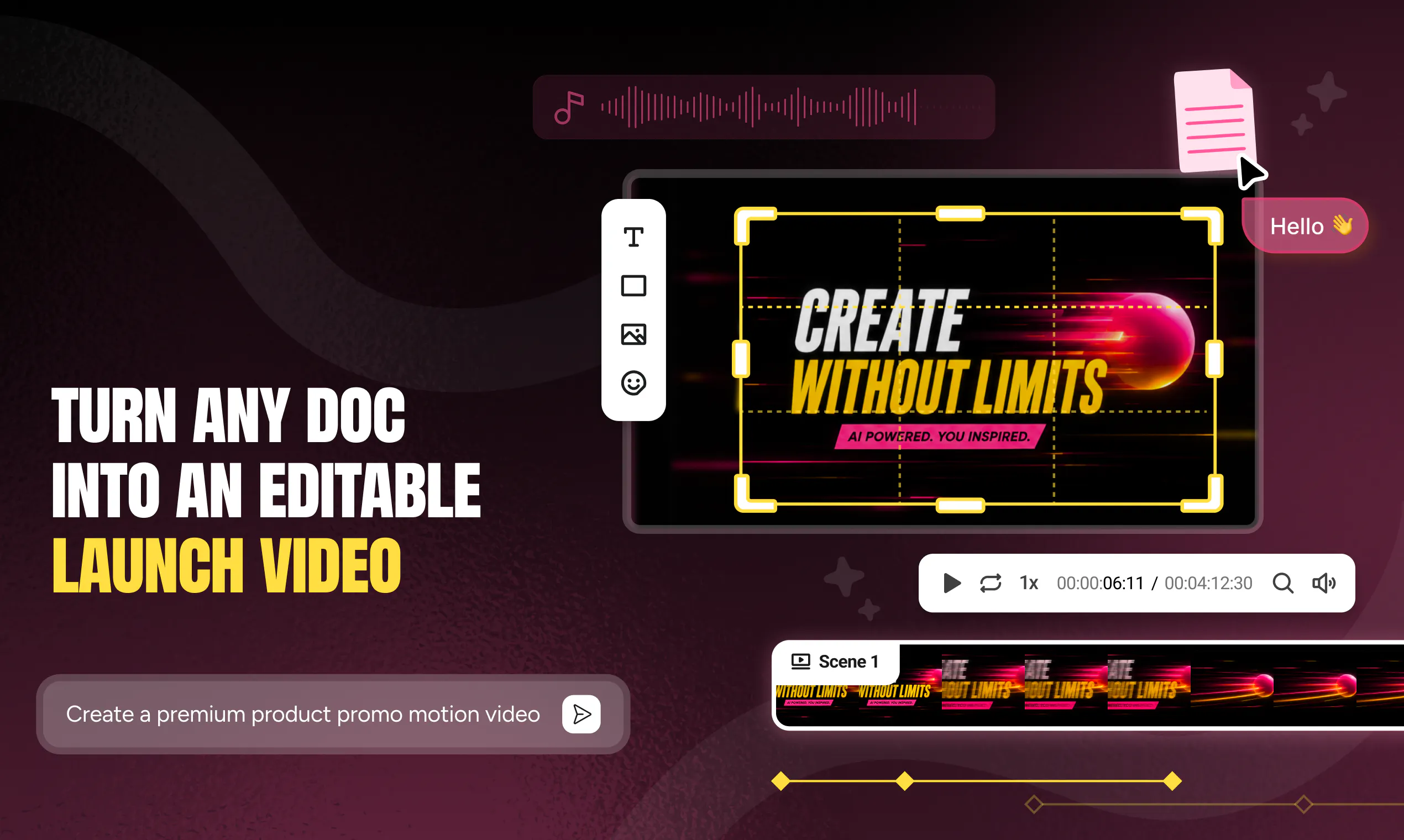
Hey Product Hunt 👋 A bit of the story behind Mylar: As a designer, I kept seeing amazing products introduced through videos that didn’t quite capture what made them special. Not because teams lacked vision, but because creating high-quality motion design takes a huge amount of time and effort. Every small update meant going back into timelines, adjusting animations, syncing voiceovers, exporting again, and repeating the whole process whenever the product evolved. We started Mylar with a simple goal: make creating product videos feel as flexible and iterative as designing the product itself. A few things we spent a lot of time getting right: 🎬 Videos that feel thoughtfully designed, with clear hierarchy, pacing, and storytelling 🔄 The ability to regenerate a single scene without affecting the rest of the video ✏️ Full control over keyframes and animations when you want to fine-tune details 📱 Exports optimized for different channels, so your content feels native wherever it’s shared I’d love for you to give it a try and share your honest feedback. What feels great? What feels missing? Every conversation helps us improve the product and build something people genuinely enjoy using. Thanks for checking out Mylar ❤️
-
Tyrique Lind 4 months ago
When a teammate edits a scene I generated, does it keep my original context so the AI doesn’t lose the reasoning?
-
Eino Klein 4 months ago
Congrats. Looks great. It's just what I need. Will give it a try. Where does it get images from? Your product page, you add them or does it generate them?
-
Elias Rowe 4 months ago
Hey Product Hunt 👋 Tracy here. I am a Product designer at LayerProof. A little about the journey behind Mylar: I kept watching great products get flat, forgettable videos, not because the makers didn’t care, but because good motion design is hard and slow Every version meant re-cutting scenes, re-timing voiceover, re-exporting… and starting over the moment anything changed So we set out to make motion design feel less like a production and more like a conversation What we obsessed over on the design side: Scenes that actually feel designed: real pacing, hierarchy, and rhythm, not just text on stock footage Regenerate any single scene without blowing up the rest of the video Refine every keyframe, so you keep full creative control Export cleanly for each channel, so it looks intentional everywhere it lands I’d genuinely love for you to try it and tell me where the product shines and where it falls short. Feedback from this community makes the product better every single launch. Thanks so much for taking a look ♥️