

Magic Layers by Canva
Turn any flat image into a fully editable design
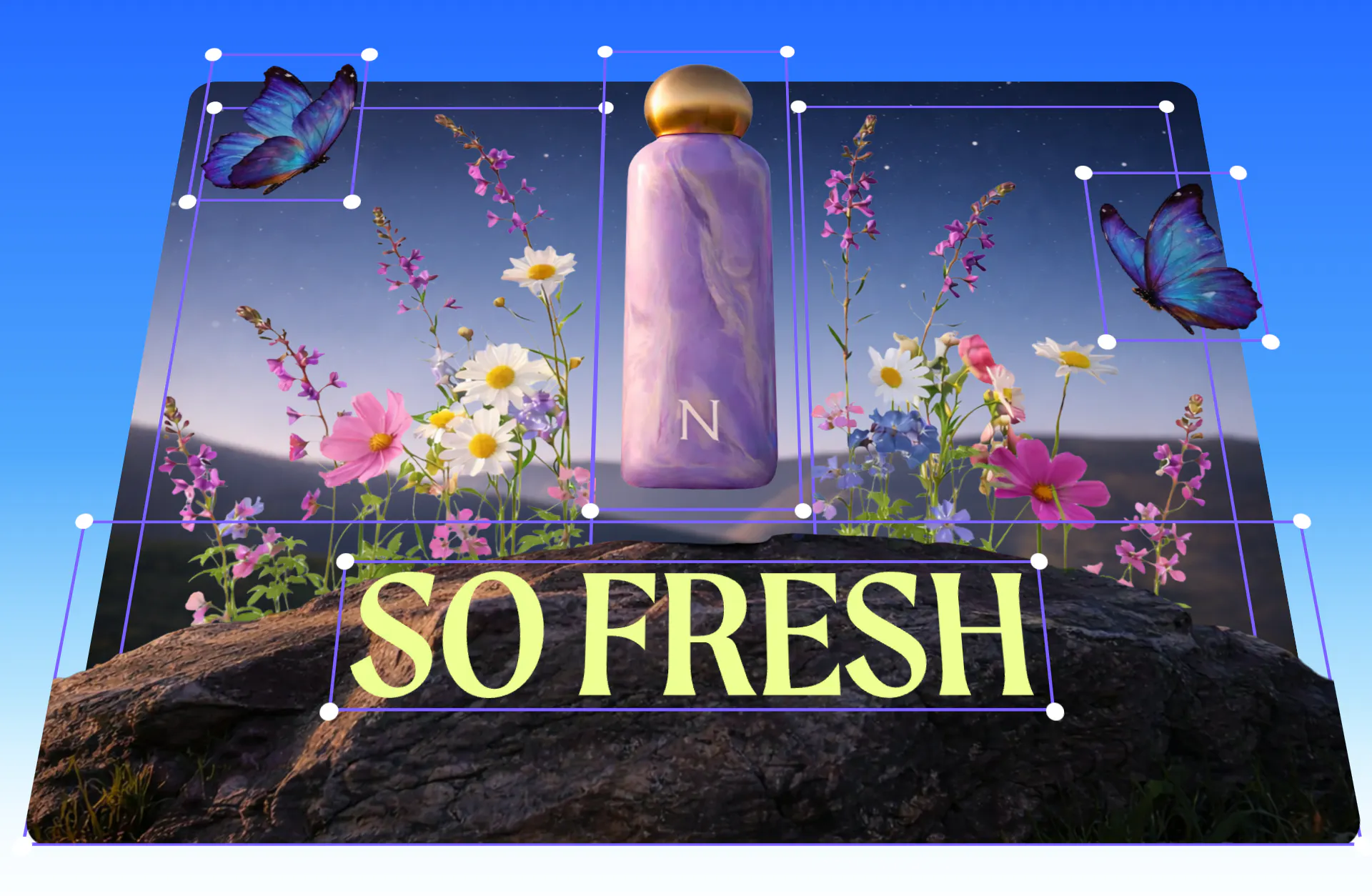
About Magic Layers by Canva
Reviews 5
-
Demetrius Gulgowski 7 months ago
I have been using this today within Chat GPT/Canva and it is a game changer for converting great AI images into fully editable templates/projects!
-
Johnathan Homenick 7 months ago
I’m pretty new to all this, but editing AI-generated images always felt like a pain. Magic Layers looks like it could make things much easier.
-
Ruben McClure 7 months ago
Pretty good detection and masking. Inpainting of textured backgrounds is blurry, you'll need to touch those up.
-
Gaylord Buckridge 7 months ago
This is pretty much unusable for anything other than some obscure prototyping. I gave it a simple task: First scroll of slack homepage. While it does really well interpreting where the fonts are and doing OCR, any flat objects it buchers hard and creates a low-res version bitmap of it (instead of sharp vector - (look at GET STARTED button background)). Meaning in the end, you can't use it at all as the final quality is just so bad that you'd have to reposition/draw everything by hand. ORIGINAL: MAGIC LAYERS: ORIGINAL: MAGIC LAYERS (note how it buchers the REQUEST A DEMO button cutting out it's bottom border):
-
Orrin Batz 7 months ago
This is amazing! Something I've really been missing while using Canva for my job as well as my personal life! Will this add on eventually be part of the free or the paid version? Congrats on the launch!