

Project Management by Xmind
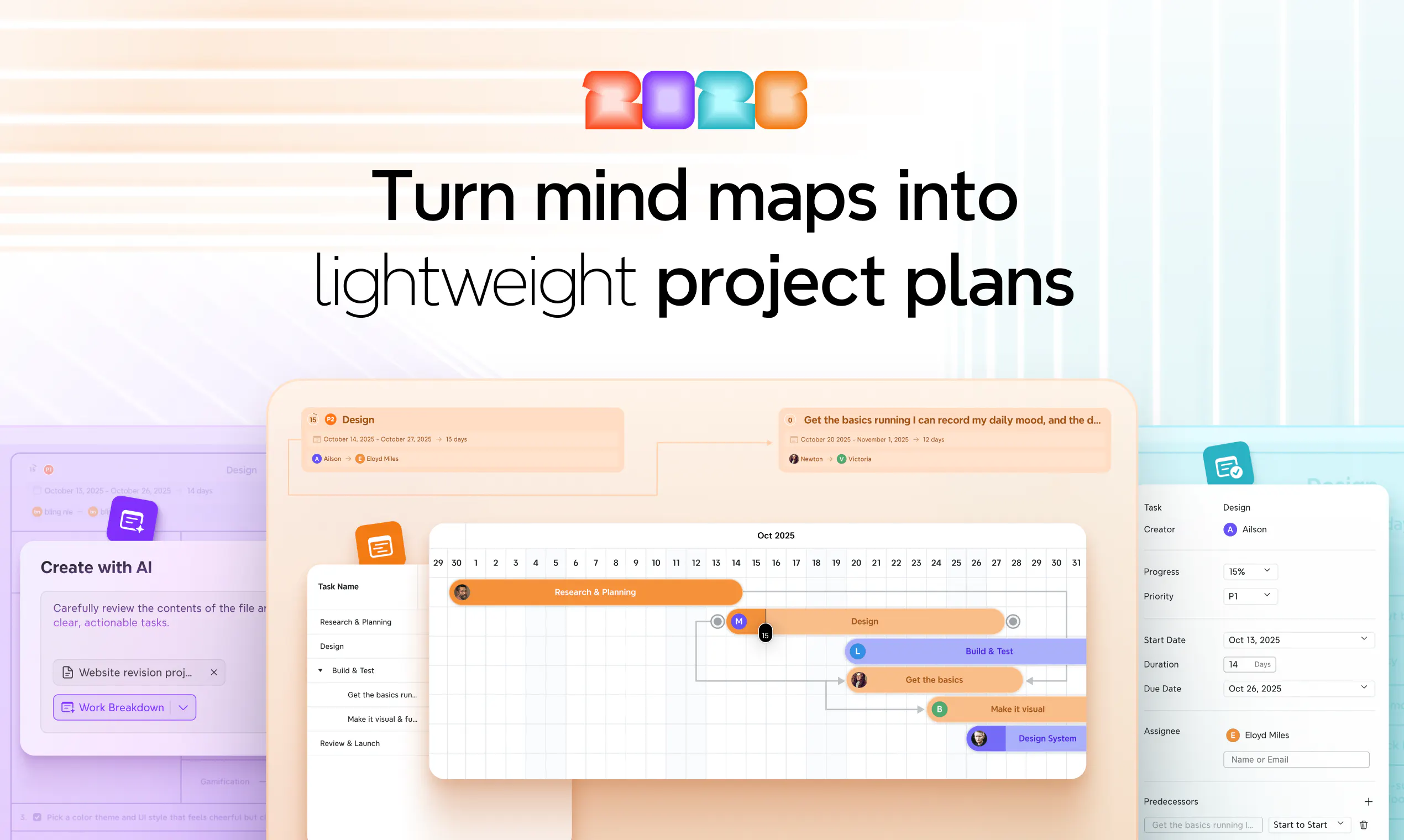
Turn mind maps into lightweight project plans
About Project Management by Xmind
Reviews 15
-
Former member 1 year ago
I use Xmind for planning content, ideas, and even personal projects. It’s simple, visual, and helps me organize my thoughts way faster. One of the few tools that actually boosts my creativity. Love it!
-
Marcus Macejkovic 1 year ago
I love a good mind map, it’s therapy with prettier arrows. You bring structure, I bring focus. We should co-host an intervention for every team drowning in sticky notes. 😏
-
Former member 1 year ago
I think you should add a day project, meaning it only lasts a few hours, there are lots of small tasks that only take a few hours and small groups or individuals can create and manage and start working on them. I think you should add a time of day.
-
Former member 1 year ago
It truly surprised me that Xmind is on Product Hunt again. I got to say that I've been using it for 10 years! I'm sure no one can leave Xmind when studying or working. It's the best way to clarify the thought. And now Xmind has Gantt, that's super cool for me as a marketer who has lots and lots of ideas and campaigns running every day. I will definitely try it during my project.
-
Rahul Goyette 1 year ago
This is the workflow I've been waiting for! As a long-time Xmind user, the context switch from brainstorming in a map to managing tasks in a separate tool has always been the biggest friction point. Keeping planning and tracking in one place is a game-changer. The ability to turn a node into a task with a date feels so natural. I'm especially excited to try the Timeline view for setting milestones.
-
Jaiden Runolfsson 1 year ago
it's cool
-
Monserrate VonRueden 1 year ago
Hi @hacksman do you position Xmind as a direct competitor of MIRO? I am trying to understand the category of product Xmind is and the usages I could do. Thx !
-
Former member 1 year ago
Hmm… wonder how “AI breakdown” actually works here. Sounds promising though.
-
Former member 1 year ago
Have been using Xmind for years and really like the latest Timeline and Chart feature, it could help you keep everything tide, hope everyone could love this feature!
-
Duncan Effertz 1 year ago
This new feature - Turn nodes into Tasks with dates, priority, and progress., is excellent.
-
Former member 1 year ago
Congratulations on the launch, super useful for project collaboration!
-
Former member 1 year ago
I’ve planned projects with Xmind for years, and v26 finally connects “from mind map to execution” in a seamless way. Turning nodes into tasks with priority/progress and tracking via Timeline/Gantt cuts the friction of jumping across tools. Spaces is genuinely useful too—it keeps work tidy by organizing across teams/topics. Excited to see the template ecosystem and deeper collaboration refinements next; congrats to the team on the launch! @hacksman
-
Chelsey Gottlieb 1 year ago
How do existing users update to version 26? I only see version 25 in both the regular release and the beta channel. Long-time user and love Xmind
-
Kyleigh Luettgen 1 year ago
This is yet another reason why Xmind is the superior choice for mind mapping. Onwards and upwards with Xmind!
-
Jake Blanda 1 year ago
This is yet another reason why Xmind is the superior choice for mind mapping. Make Xmind great again, again and again...