

About Selectable: OCR & Text Capture
Reviews 3
-
Wiley Lubowitz 6 months ago
OCR that works directly on screen without upload is genuinely useful. I often need to grab text from video frames or design files and the usual flow is way too slow. The TTS and sensitive data masking features are good additions. Curious how it handles handwritten text or low-contrast fonts.
-
Esteban Hilpert 6 months ago
This is great! was looking for something like this, converts OCR's to .MD files, this is saving lot of tokens for me.
-
Blaze Koepp 6 months ago
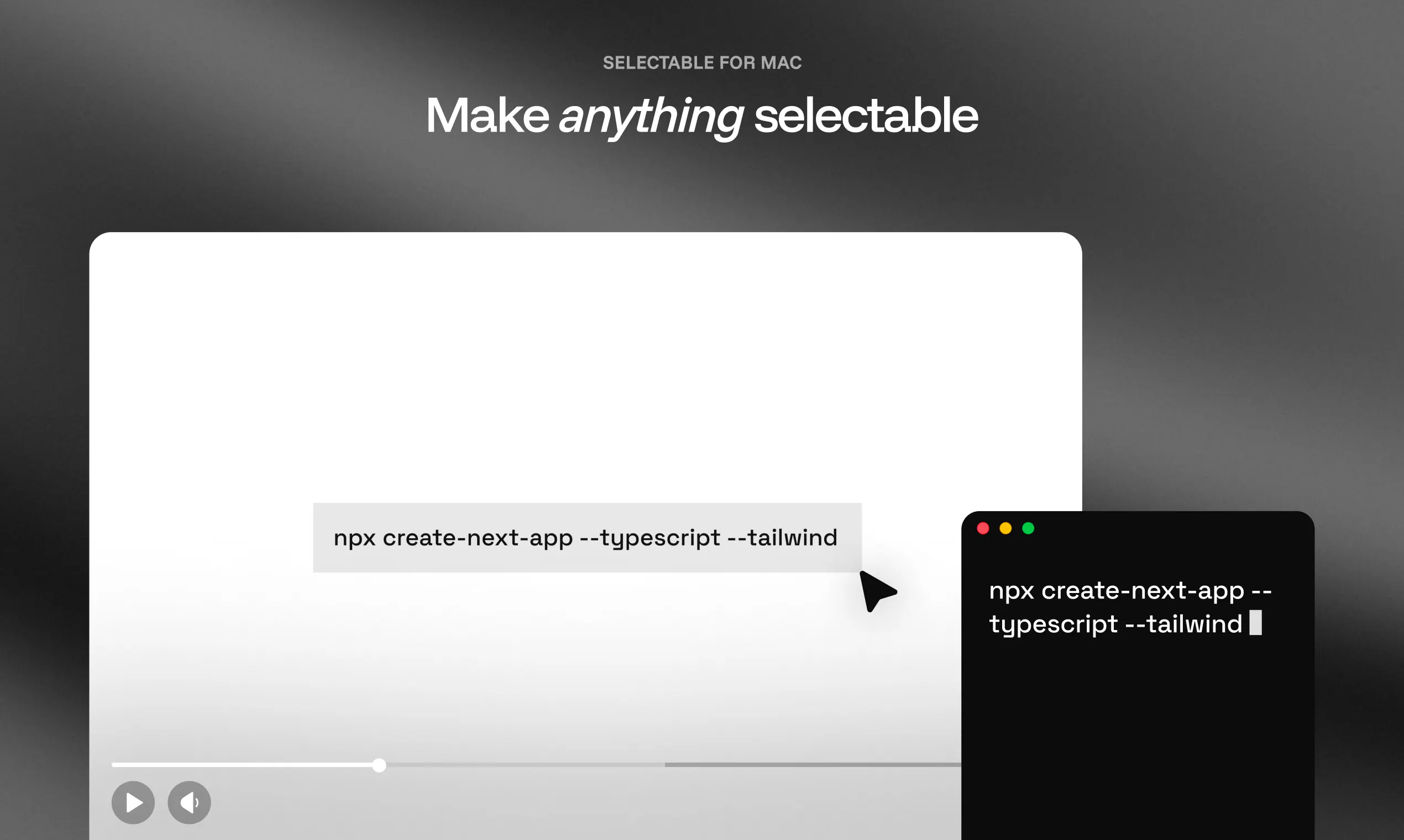
Okay so I'm not someone who usually buys apps — I've been on Mac for a while now and always just made do with whatever came built-in. But Selectable is genuinely my first paid Mac app purchase, and I have zero regrets. The problem it solves is so specific and so annoying — you know when you're staring at a screenshot, or a locked PDF, or a video frame, and you just need to grab a line of text but there's absolutely no way to select it? I used to either retype it manually or dump it into ChatGPT. Both feel ridiculous in the big 26. Selectable just fixes it. Hit the shortcut, drag over the region, text is on your clipboard. That's it. No accounts, no cloud upload, nothing sketchy — it all runs on-device using Apple's own Vision framework. Smart Capture feature and 30% launch discount makes it a no-brainer. 100% recommend it