

Visual Usability Checker
Validate your design decisions instantly with AI insights
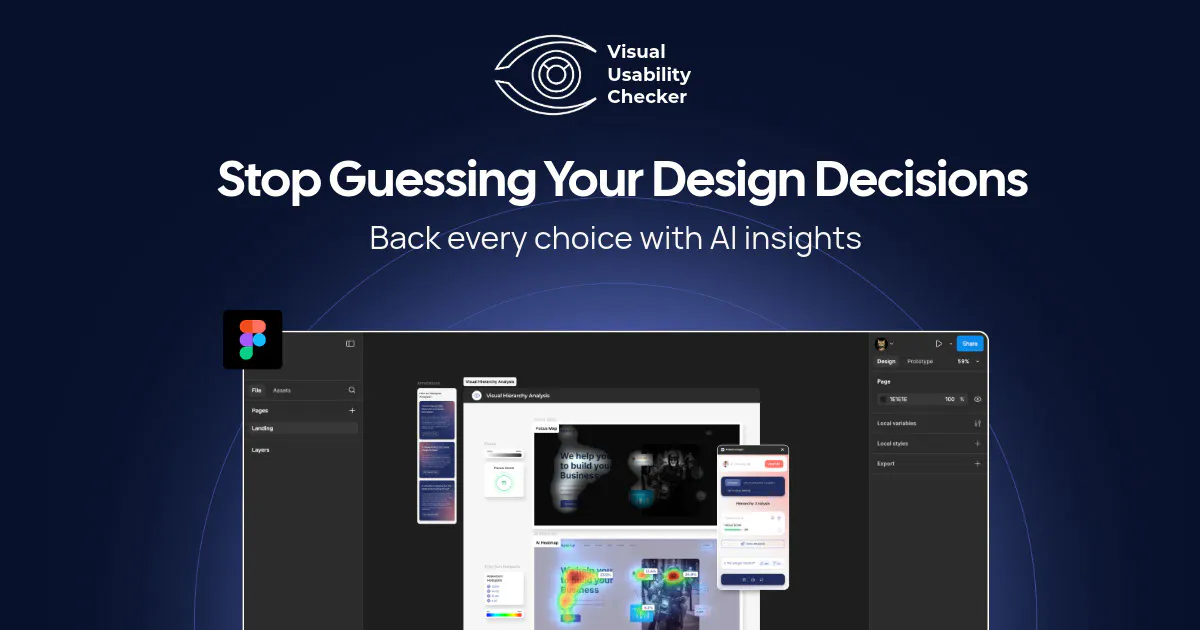
About Visual Usability Checker
Reviews 5
-
Jarrell Homenick 5 months ago
How do you show where users focus, is it like predicted heatmaps based on layout or actual user testing data?
-
Lamont Strosin 6 months ago
Does the checker evaluate icon legibility as part of the usability analysis? Specifically thinking about cases where icons are small (16–20px) or use low-contrast colour-on-colour — wondering if the AI flags those the same way it would flag text contrast issues, or if iconography is treated separately from typography in the scoring.
-
Enrico Wiza 6 months ago
To celebrate this launch, we’re running a two-week promo campaign for new users: Get 40% off all subscription plans for 12 months Use promo code: TILLJUNE40
-
Wiley Lubowitz 6 months ago
Playground file : https://www.figma.com/community/file/1575839690110028010/visual-usability-checker-playground-file
-
Paul Kshlerin 6 months ago
How does this work technically? Do you analyze frames/images, identify which elements are shown in them, and then pull statistics from a database? For example, we all know that in advertising people look at faces - if you determine that the image contains a human face, a dog, and a tree, then it’s easy to understand that a person will look at the face first, then the dog, and then the tree. How did you implement this?