

About Voice Anywhere
Reviews 7
-
Johnpaul Crona 9 months ago
I've been using Wispr Flow with the hold-to-talk approach, and the toggle mode here is interesting—different mental model. The floating mic is smart for context switching, but I'm wondering about accuracy in noisy environments. Does the on-device Apple recognition handle background noise better than the AI fallback, or is it purely a speed/privacy tradeoff? Also, does SHIFT+R work globally across secure inputs like password fields?
-
Hobart Glover 9 months ago
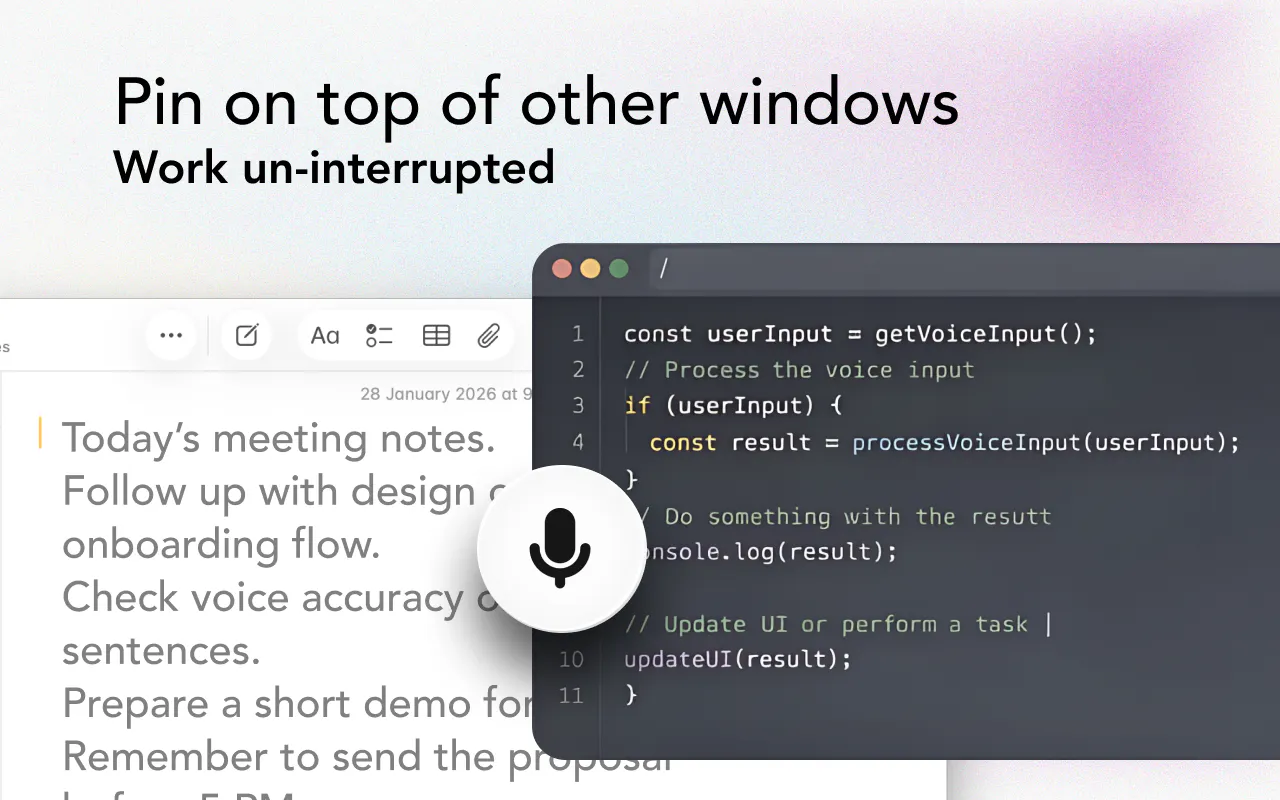
Wow, Voice Anywhere looks incredible! The floating mic that stays on top of everything is genius. Curious, does the on-device recognition work offline as well?
-
Ulises Ankunding 9 months ago
Congrats on the launch — love the “type anywhere” approach to voice dictation on macOS, it feels like a superpower for writers and builders.
-
Malachi Armstrong 9 months ago
The floating mic that stays on top is such a small detail but makes a huge difference. Biggest friction with dictation tools is losing the mic window behind other apps and having to hunt for it. I do a lot of AI prompting and describing tasks verbally tends to produce better results than typing for some reason - probably because I explain more naturally. Having this work directly in VS Code or Cursor would be great for that workflow. Does the AI fallback kick in automatically, or do you have to manually switch when Apple's engine struggles?
-
Esteban Hilpert 9 months ago
Nice Ui design. Note: I never click a button to start voice dictation on my laptop. While I’m vibe coding and writing documents, I simply hold down the FN key on my keyboard and start talking and then I release the FN key when I’m done… this is how I do it with Wispr Flow. Keyboard shortcut key is most convenient for me instead of clicking a button. Does your app support  keyboard shortcut ?  Congrats on the launch!
-
Lance Morar 9 months ago
Does this only work on Apple devices? Also, is there a plan for this to be optional for mobile users or will this strictly be for desktops?
-
Malachi Armstrong 9 months ago
Why use this when Apple has dictation available? - This app supports multiple languages, and uses AI as a fallback whenever Apple's speech recognition engine is not available (due to older devices or other reasons).